Architecture
CTE Competencies met during this project:
1. Demonstrate positive work ethic.
7. Demonstrate creativity and resourcefulness.
10. Demonstrate critical-thinking and problem-solving skills.
11. Demonstrate healthy behaviors and safety skills.
14. Demonstrate job-acquisition and advancement skills.
15. Demonstrate time-, task-, and resource-management skills.
16. Demonstrate job-specific mathematics skills.
18. Demonstrate proficiency with technologies common to a specific occupation.
19. Demonstrate information technology skills.
20. Demonstrate an understanding of Internet use and security issues.
21. Demonstrate telecommunications skills.
34. Explain the influences of technology on history.
38. Design a model of a product or process, using computer-aided design systems.
44. Design a construction system to solve a problem.
How to design your house online
1. Go to https://www.homestyler.com/int/home
2. Click sign in with Google and select your school email.
3. Remember that this program does not auto-save like Google Docs. You must click, File, Save every few minutes.
4. Make sure all rooms/spaces are labeled!
5. Once you are done, save your design, then click File, export image. Save your file with your name in the title and as a .jpg file.
5B. If this does not work, take a screen shot of your 2D and 3D views. Make sure I can see ALL of your design. (Press shift+PrntScn, then right click and paste into the email to [email protected])
6. I want TWO pictures! A 2D view from above and a 3D view.
7. Turn your photos in on Google Classroom. You may send more than one picture if you would like.
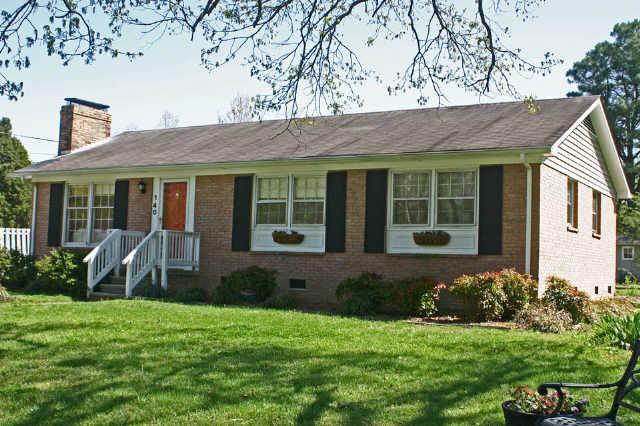
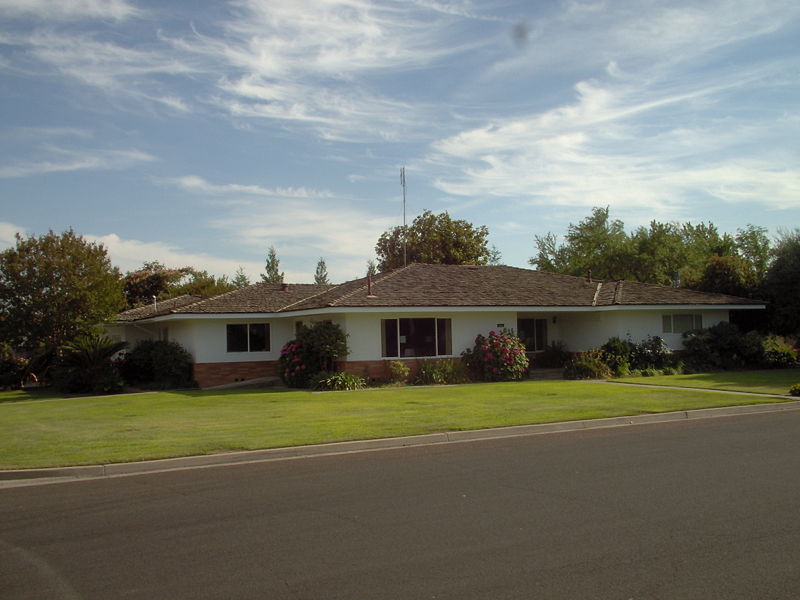
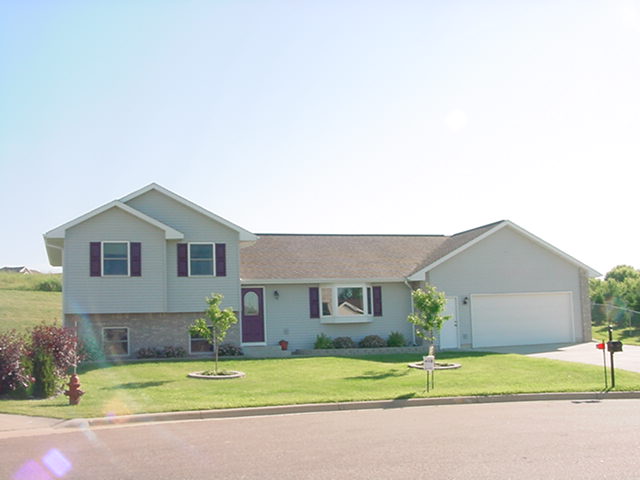
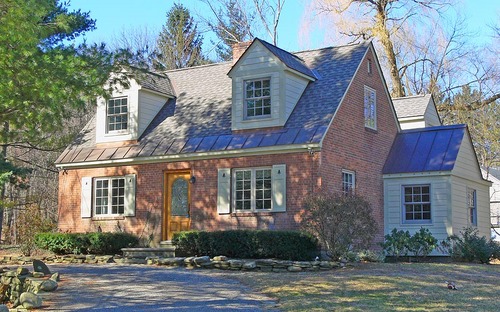
Examples of recent projects are shown in the slideshow below.
1. Go to https://www.homestyler.com/int/home
2. Click sign in with Google and select your school email.
3. Remember that this program does not auto-save like Google Docs. You must click, File, Save every few minutes.
4. Make sure all rooms/spaces are labeled!
5. Once you are done, save your design, then click File, export image. Save your file with your name in the title and as a .jpg file.
5B. If this does not work, take a screen shot of your 2D and 3D views. Make sure I can see ALL of your design. (Press shift+PrntScn, then right click and paste into the email to [email protected])
6. I want TWO pictures! A 2D view from above and a 3D view.
7. Turn your photos in on Google Classroom. You may send more than one picture if you would like.
Examples of recent projects are shown in the slideshow below.
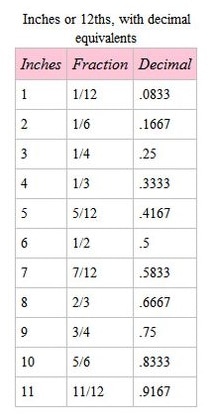
Conversions for inches when calculating your square footage of your design.
Examples: 9'6" = 9.5 feet.
11' 2" = 11.1667 feet

| micro.apartment.challenge.2016.17.pdf |
| architect.challenge.2018.19.pdf |
| architecture.house.notes.pdf |