Screen Printing T-shirts
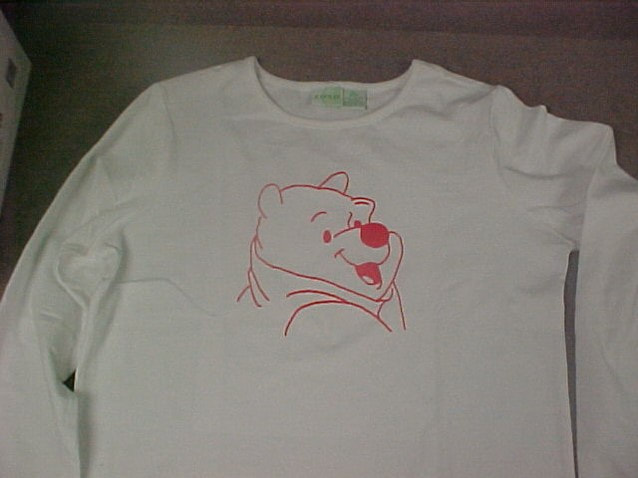
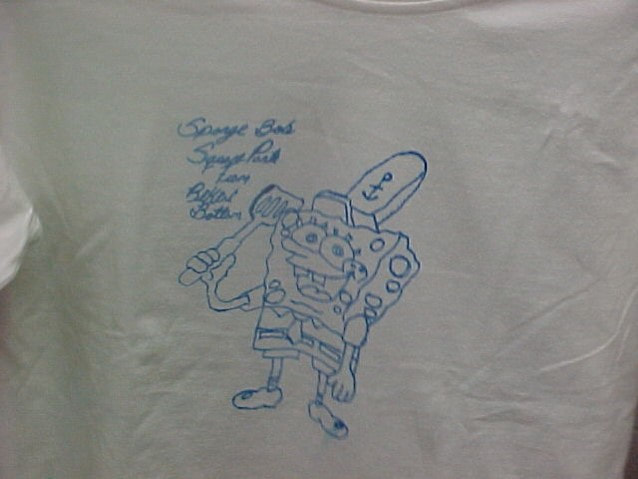
Each design = 200 points. -40 points for not turning in with the correct size.
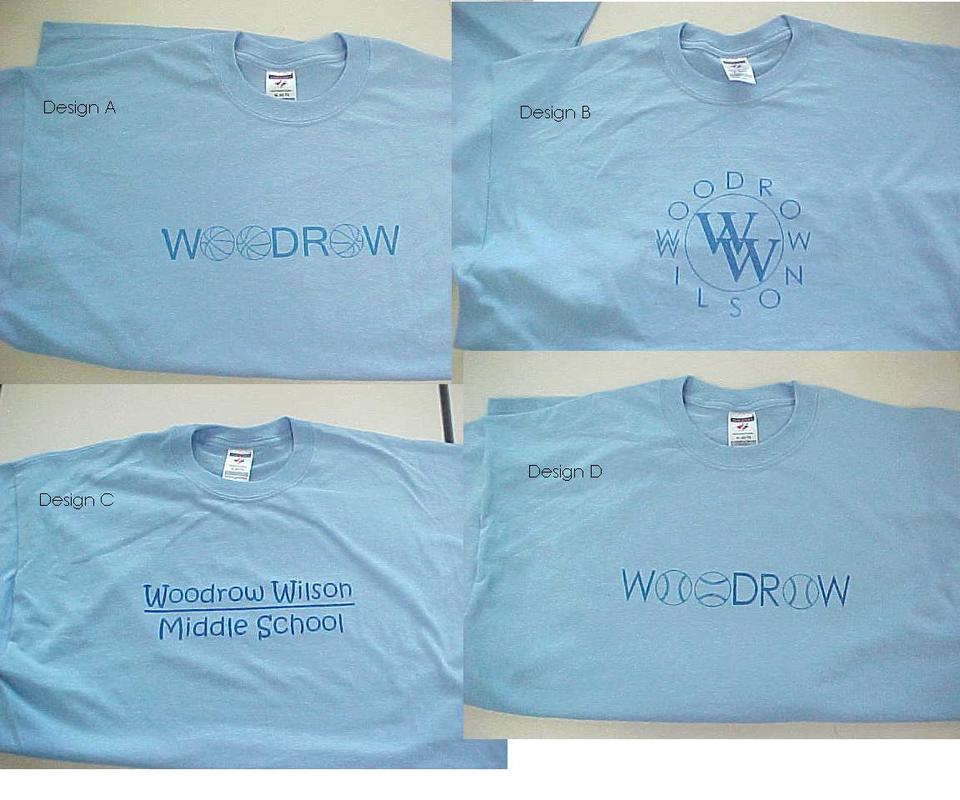
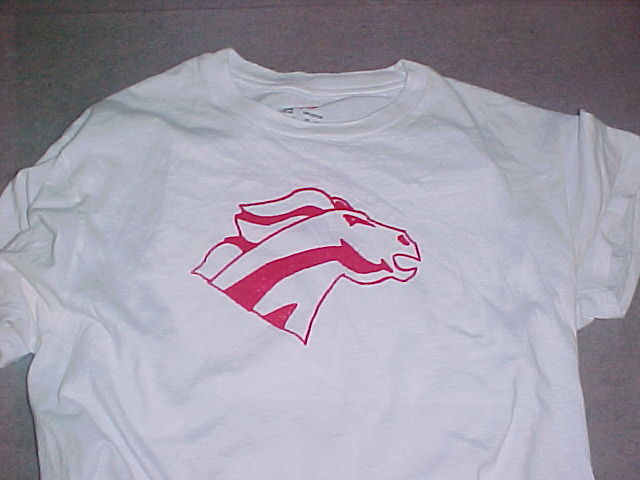
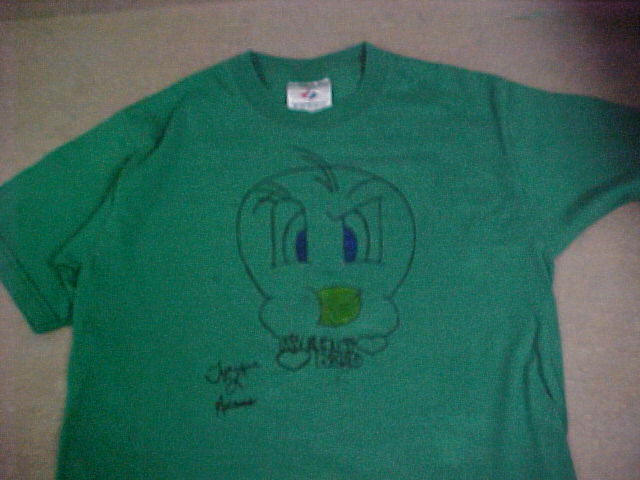
1. You are designing two t-shirts. One school design and one personal design. You may not use copyrighted material. What is a copyright?
2. Remember the maximum size of your design must fit on one sheet of paper (8 ½ x 11). This means your design must fit in a 7 ½” x 10” rectangle.
3. You can only use one color ink (black, red, or blue).
4. The t-shirt you bring in needs to be white or a light color. Black and darker colored shirts do not work well. You will be given a school t-shirt. If you want to produce the personal one, you may. You are being graded on your designs only.
5. If your design is drawn by hand, it needs to be photo copied or scanned into a computer. Email your work to [email protected] with "t-shirt designs" in the subject.
6. You may also use Microsoft Paint, Microsoft Word, or Adobe Photoshop to create a picture using computer graphics. Make sure the size of the paint or photoshop picture is 8" x 10"
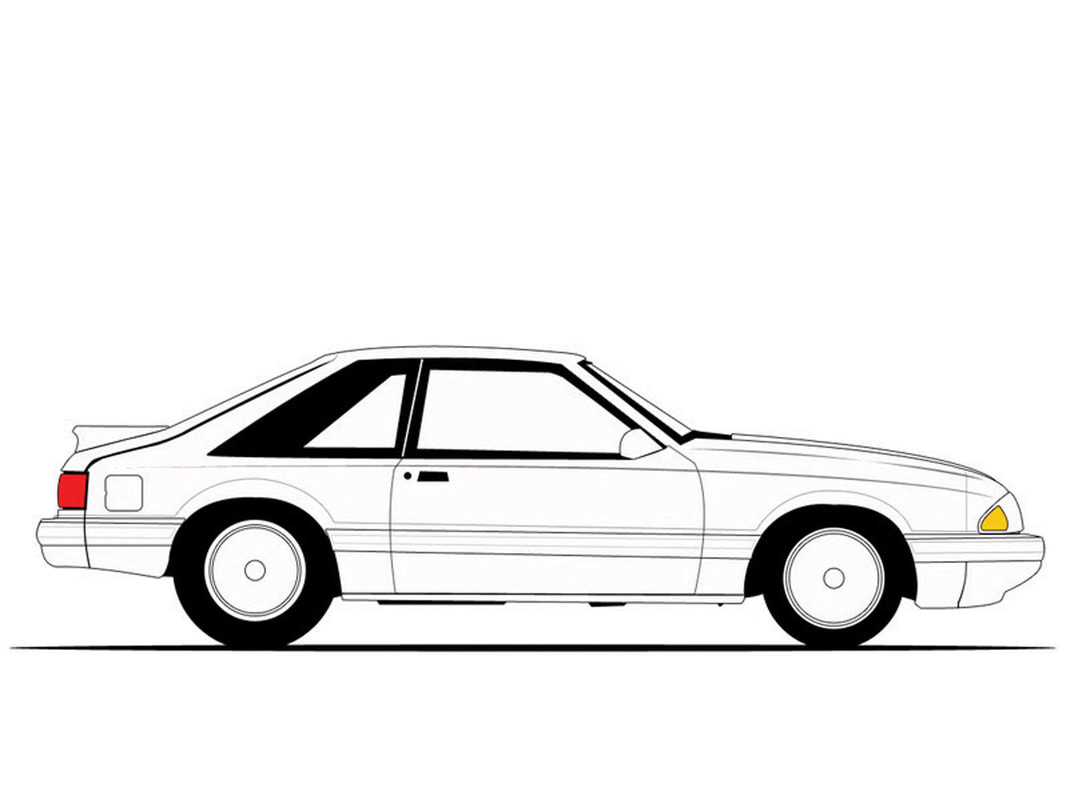
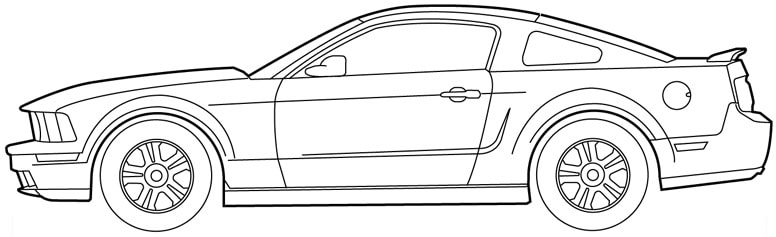
7. If you are using a picture, the outlines need to be traced so that you may print using only one color. Look at the examples of Ford Mustangs below.
Transparency Machine Instructions
Once you have been given a piece of screen. Place the smooth side up and run it through the Transparency Maker on setting number 7. Note: you may need to tape the screen to the top of the paper. If you need help, ask the teacher.
Mount the screen to a frame with double-sided tape and put a piece of paper inside of your shirt. Ask the teacher for assistance in screen-printing.
2. Remember the maximum size of your design must fit on one sheet of paper (8 ½ x 11). This means your design must fit in a 7 ½” x 10” rectangle.
3. You can only use one color ink (black, red, or blue).
4. The t-shirt you bring in needs to be white or a light color. Black and darker colored shirts do not work well. You will be given a school t-shirt. If you want to produce the personal one, you may. You are being graded on your designs only.
5. If your design is drawn by hand, it needs to be photo copied or scanned into a computer. Email your work to [email protected] with "t-shirt designs" in the subject.
6. You may also use Microsoft Paint, Microsoft Word, or Adobe Photoshop to create a picture using computer graphics. Make sure the size of the paint or photoshop picture is 8" x 10"
7. If you are using a picture, the outlines need to be traced so that you may print using only one color. Look at the examples of Ford Mustangs below.
Transparency Machine Instructions
Once you have been given a piece of screen. Place the smooth side up and run it through the Transparency Maker on setting number 7. Note: you may need to tape the screen to the top of the paper. If you need help, ask the teacher.
Mount the screen to a frame with double-sided tape and put a piece of paper inside of your shirt. Ask the teacher for assistance in screen-printing.