Photoshop Tutorial #2- Blended Animal (200 points)
|
|
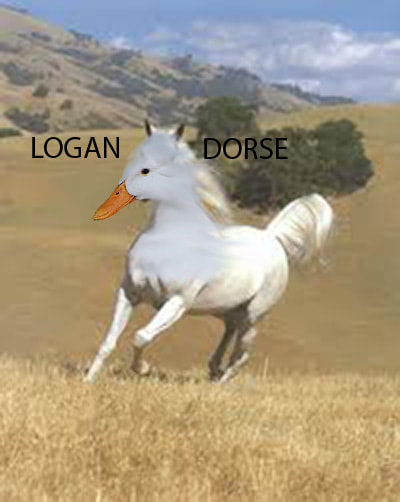
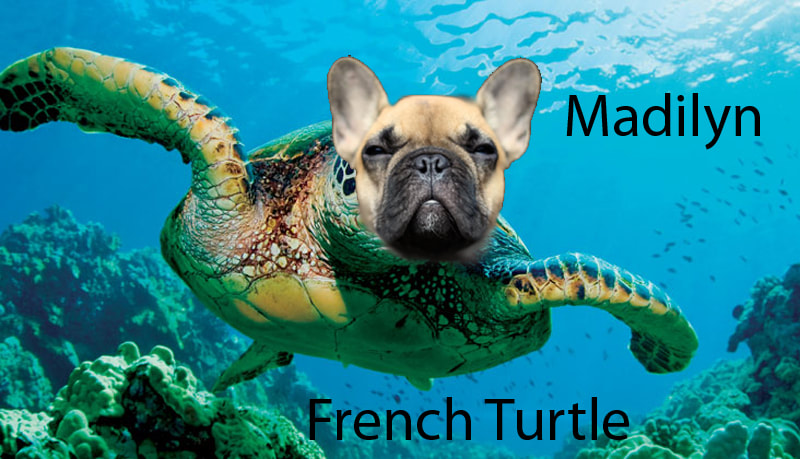
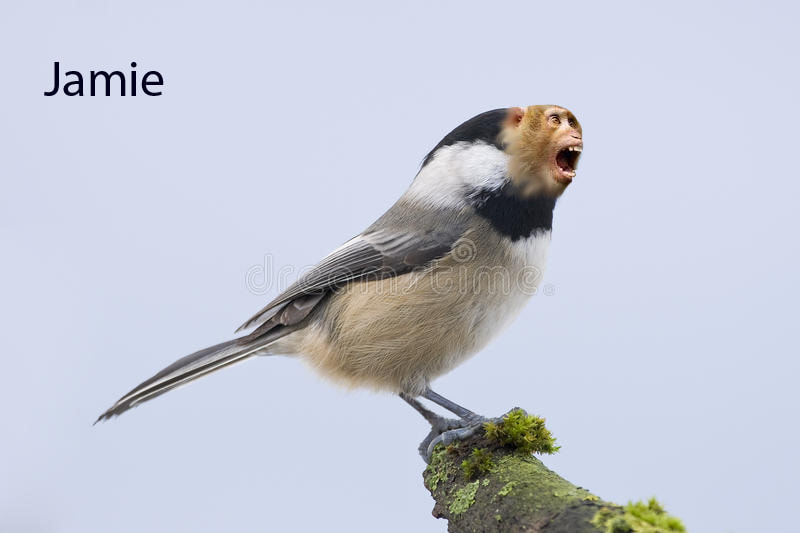
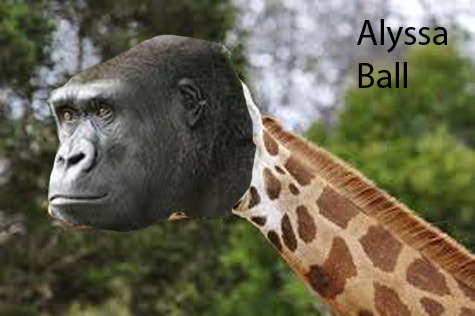
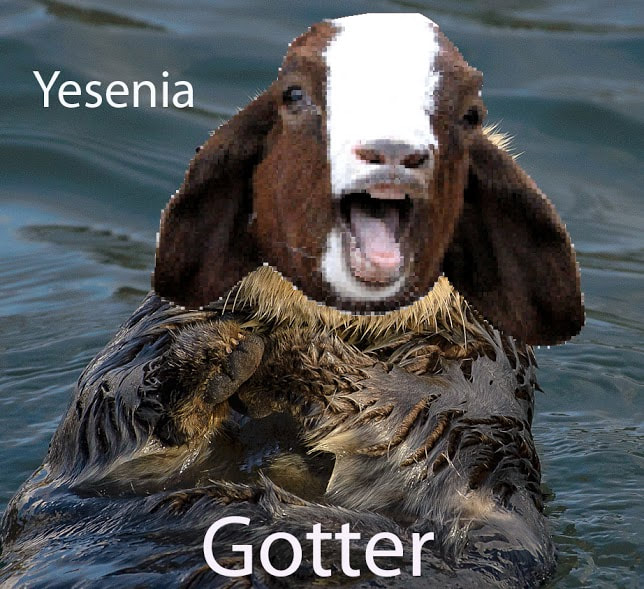
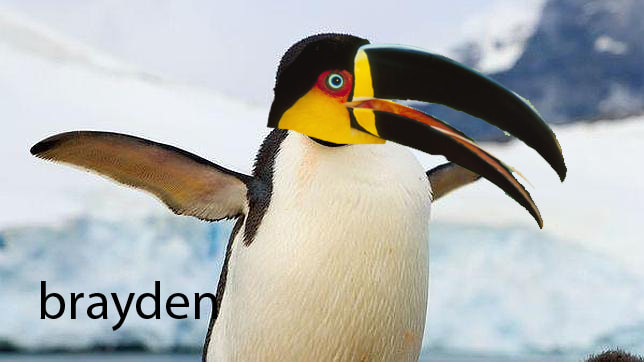
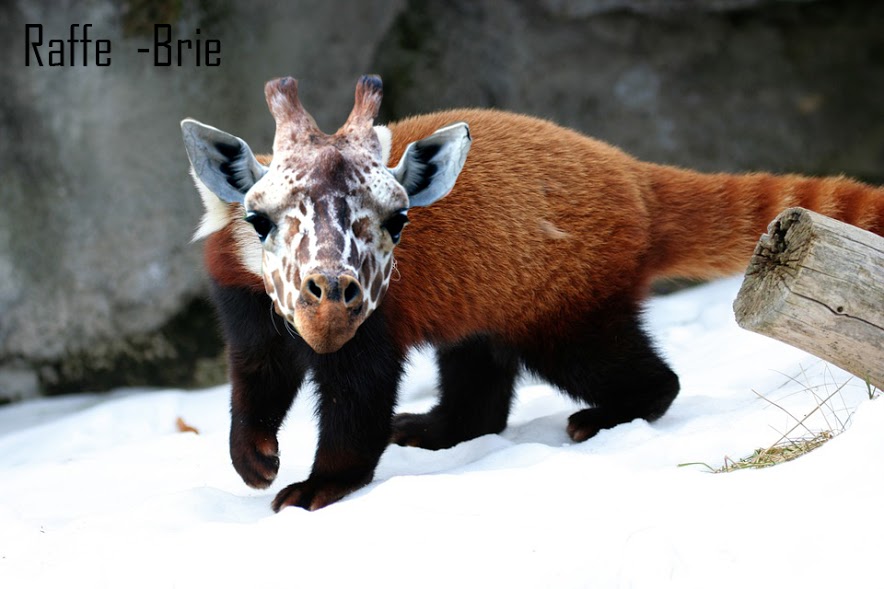
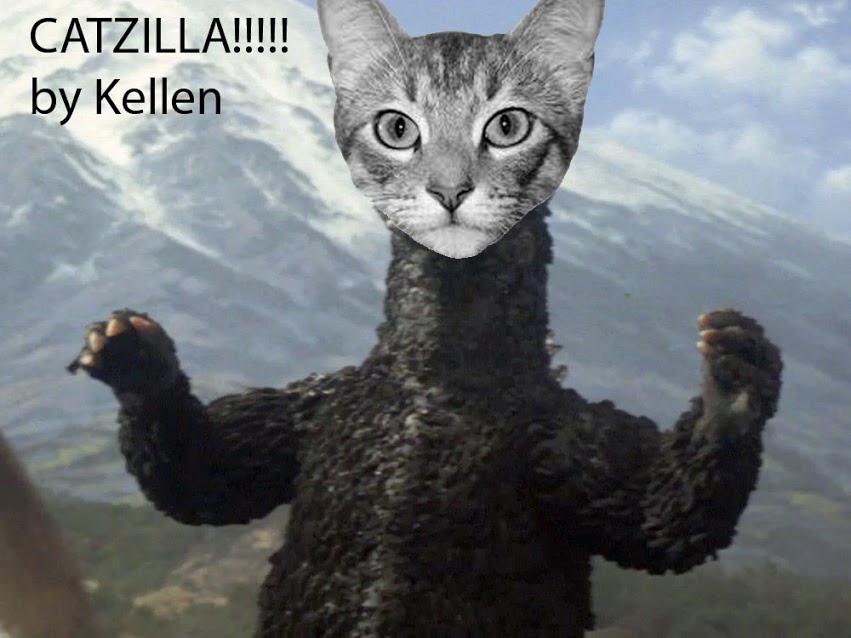

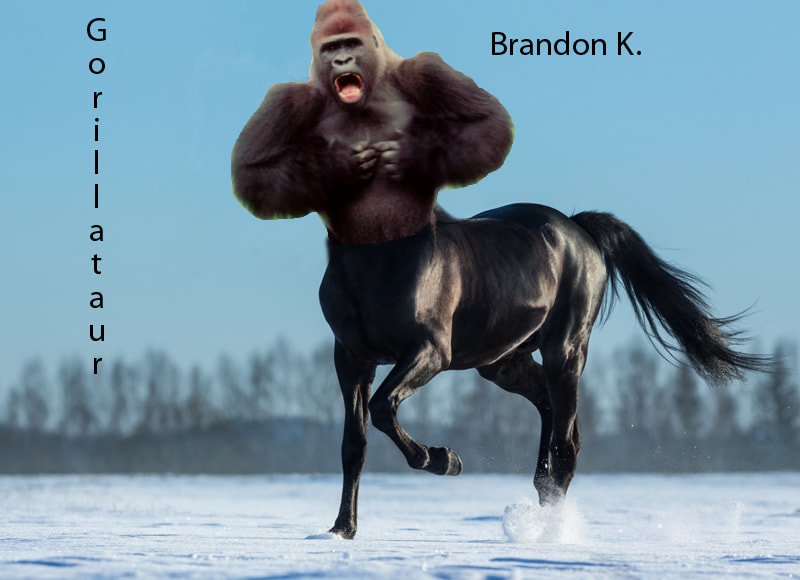
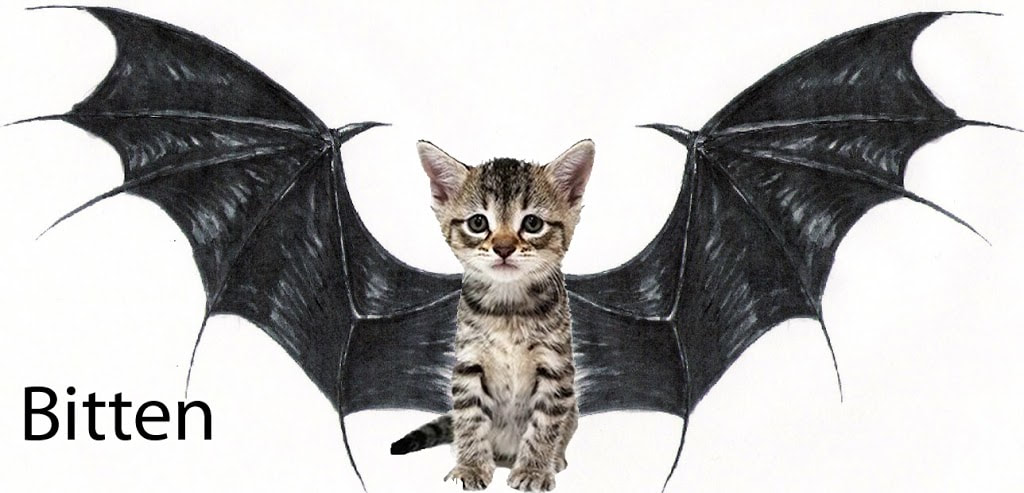

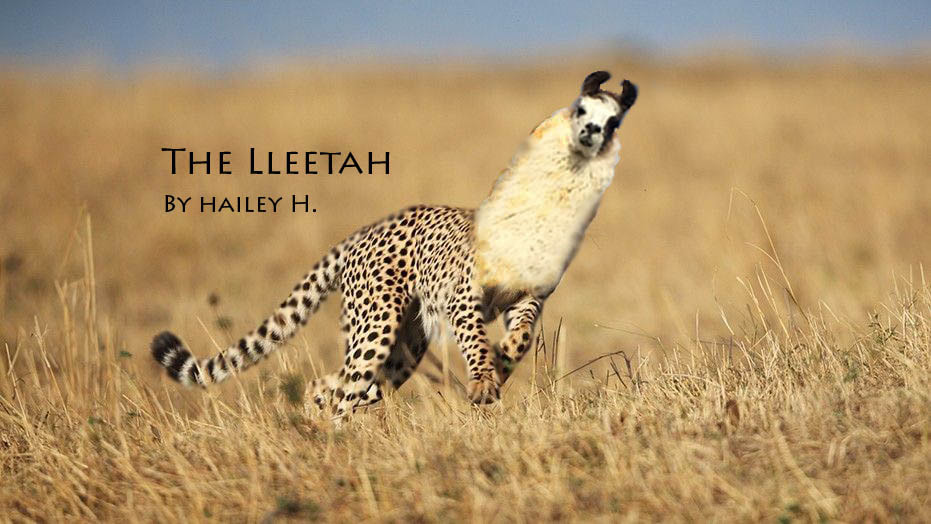
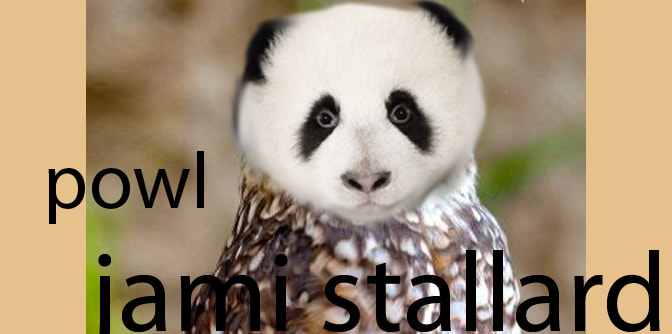
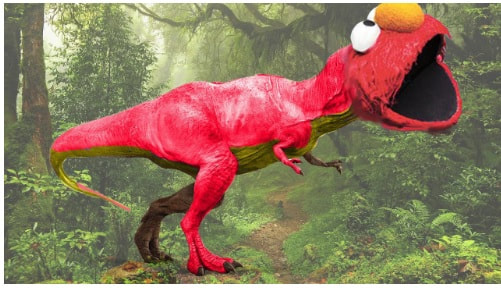
Directions:
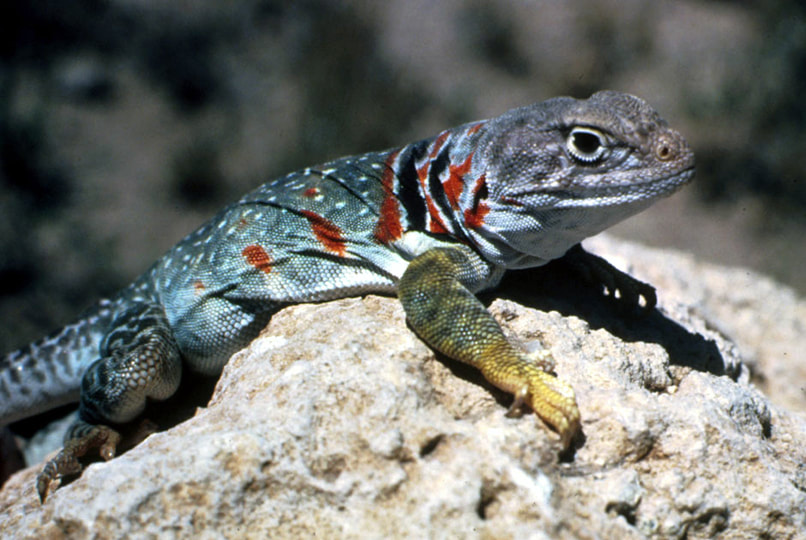
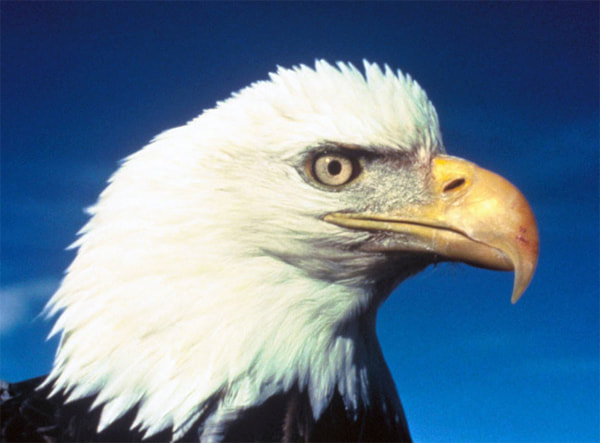
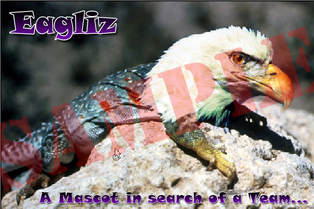
1. Download two different animals and create your own blended animal. The only new tool you may use is the blur and eraser tools.
2. Make sure you put a name of your animal on your image!
3. Flatten image when done and turn in to Google Classroom in .jpeg format.
1. Download two different animals and create your own blended animal. The only new tool you may use is the blur and eraser tools.
2. Make sure you put a name of your animal on your image!
3. Flatten image when done and turn in to Google Classroom in .jpeg format.

| layerstutorial_-_animals.pdf |
How to resize an image in Photoshop- Right click on the blue grey bar above an open image in Photoshop. Select "image size". I find it easier to change the pixels to percent when re-sizing. Remember if you want the image to be bigger, you must put in a percent greater than 100%. To get a half sized image, type in 50%
How to flatten an image into one layer- Click on the Layer pull-down menu at the top, and select flatten image near the bottom of the list. This will get rid of all the layers of your project. This then allows you to save the picture as a regular picture and not a photoshop document.
How to flatten an image into one layer- Click on the Layer pull-down menu at the top, and select flatten image near the bottom of the list. This will get rid of all the layers of your project. This then allows you to save the picture as a regular picture and not a photoshop document.