
Animation Grading Rubric (800 points for the animation and all the work associated with production)
- _______/200 points- You first must write a story. This should be a short story or Novella. Since a great deal of movies are based on books, your 20 second animation will be based off your short story. This short story should act as the plot of your short animation. This should be a typed, 200+ word narrative in paragraph form (typically an intro paragraph, 3 body paragraphs, and a conclusion paragraph). Turn in on Google Classroom.
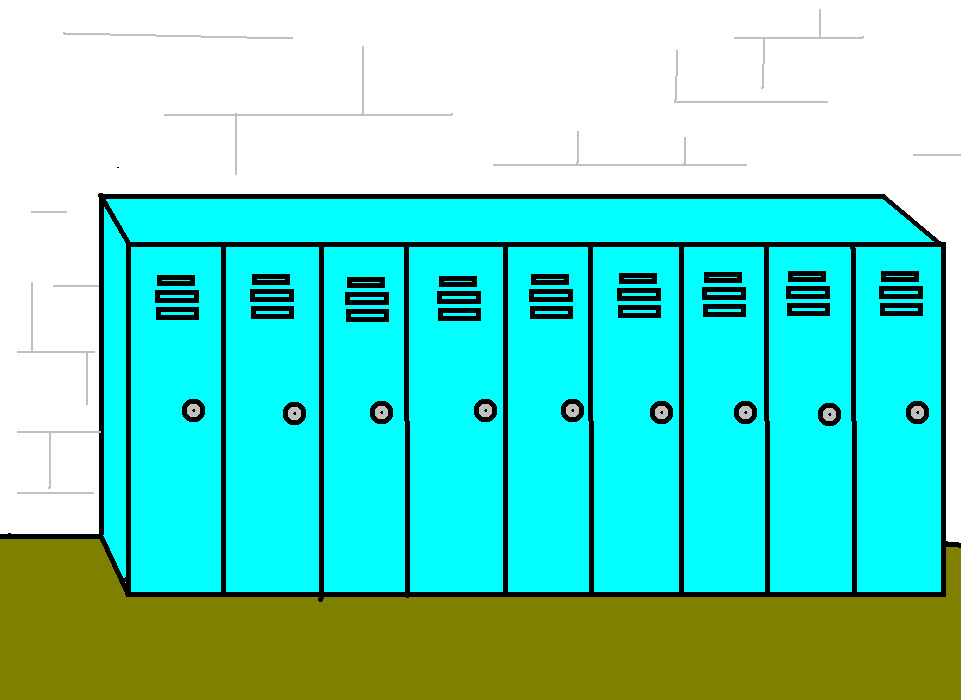
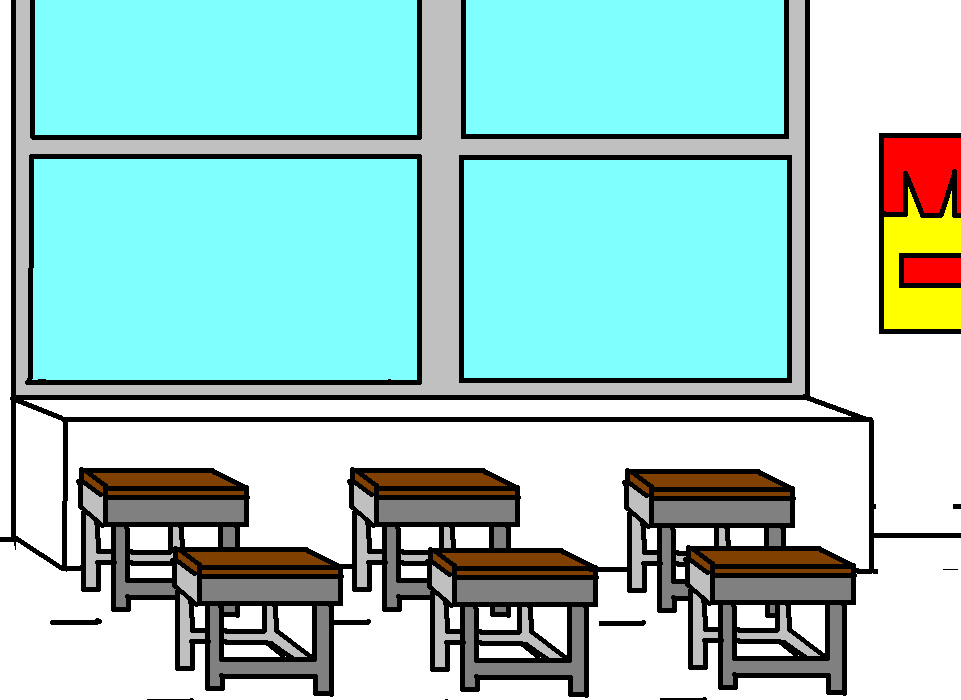
- _______/100 points - Drawing an appropriate background in Microsoft Paint in .jpg format. .png format will not work
- _______/100 points - Animation must be at least 20 seconds long. (5 points per second)
- _______/100 points - Use of alternative pivot figure types. Create your own or download one from droidz.org and incorporate in your animation. You may have to download at home and then email it to yourself so that you may use the stickfigure in class.
- _______/100 points - You use appropriate audio throughout your animation (narration, music or both)
- _______/50 points - Incorporate title and credits in your pivot using Microsoft MovieMaker 2.6, Newer Movie Maker or Adobe Spark Online.
- _______/150 points - Your animation has a plot. No one should ask the question "What was the purpose of that pivot?" when they are done watching your animation.
- _______/ -100 points - Deductions for inappropriate content. No vivid brutality, sexuality, cussing, or offensive content. -100 points PER offense.
Steps to make a Pivot Animation using Movie Maker 2.6
1. Write your story! Please don't make a random animation and write the story after you finish the animation.
2. Draw a background using Microsoft Paint. Save it as a .jpg file. Your pivot animations will not line up correctly on your background if you do not insert the background first.
3. Open Pivot and click on file, load background. Make sure the file type says .jpg
4.. Make your animation and save it as a .piv file (.piv files can be edited)
5. Save your .piv file as a .gif file and make the frame delay 10
5. Use Movie Maker 2.6.
6. Load .gif picture files into Movie Maker, drag into timeline.
7. Click on Tools, Titles and Credits.
8. Write a script
9. Click on Tools, Narrate the Timeline.
10. Click on File, Save Project As.
11. Click on File, Save Movie File
12. Upload final movie to Google Classroom.
* More detailed instructions are listed below.
Converting Pivot Files into Movie Files.
Directions
Before you start your movie, create a new file folder in your Google Drive and rename it after yourself.animation. Save all your movie parts and upload them to this file daily so you will not loose them.
1. You must save your Pivot files as .GIF. Set the frame delay to 10/100th of a second. This means that if you have 100 frames, it will be 10 seconds long.
2. Open pivot, open your .piv file, and click on file, save as. Change the file type from .piv to .gif and type 10 in the box for frame delay. Your .gif files will need to be converted to .mp4 files if you are using the new Windows Movie Maker. If you are using Windows Movie Maker 2.6, you can use .gif files.
3. Rename your files, with your last name and the part. Ex) Cornwellpart1, Cornwellpart2, etc.
4. Save your movie as an .MSWMM file until you are completely finished. This file type will let you edit your movie if you do not finish in one class period.
5. When you are completely done, click on File, save movie file..., Save the movie to your computer. Put your name in the title and click browse and save it in the Desktop if you are using a school computer. Then immediately upload your video to your Google Drive so you will not loose your work.
6. Turning in your animation by submitting it to Google Classroom.
Importing .GIF files
1. Click on the Import Pictures link in the Movie Tasks pane. A .GIF file is a moving picture file.
2. Once all your .GIF files are in the collections window, drag them onto the timeline in the correct order.
3. Save your movie as an .MSWMM file until you are completely finished.
Importing Sound
1. If you want to speak over your movie, go to Tools, Narrate timeline. Click on start narration, and stop narration when you are done.
2. You may integrate music onto your movie, but remember if there is any inappropriate language you will automatically receive an F.
3. You may use Magix Music Maker if you want to create a song with multiple layers of audio (you singing or talking over a beat). Once you complete it, save it as an .mp3 and import it into MS Movie Maker.
4. Save your narration files to your file folder.
Titles and Credits
1. You must have a title and your name on your movie. Go to Tools, Title and Credit to insert one into your movie.
New Figure Type Instructions
Creating a new figure type in Pivot
1. In Pivot, click on File, Create Figure Type, and the Stick Figure Builder box will pop up.
2. Remember that when making a new figure, all the Pivot points have to connect.
3. Once you complete your figure type, click on File, Save as. Save the figure to the Thawspace. Then upload to your Google Drive.
4. Once back in the regular Pivot window, click on File, Load Figure type and load your file from the Desktop.
5. Or you can use one off of http://droidz.org/ that someone else has made.
You may download Pivot version 2.2.7 below. I also included some basic stick figure files to get you started.
If you are using a Windows computer with Windows 7, 8 or 10, you will need to use Movie Maker version 2.6 because animated .GIFs will not show movement in the new version of Windows Live Movie Maker.
If using this at school, download it to the Thawspace of your school computer. Save your Pivot files to the drive named "your name".
Directions
Before you start your movie, create a new file folder in your Google Drive and rename it after yourself.animation. Save all your movie parts and upload them to this file daily so you will not loose them.
1. You must save your Pivot files as .GIF. Set the frame delay to 10/100th of a second. This means that if you have 100 frames, it will be 10 seconds long.
2. Open pivot, open your .piv file, and click on file, save as. Change the file type from .piv to .gif and type 10 in the box for frame delay. Your .gif files will need to be converted to .mp4 files if you are using the new Windows Movie Maker. If you are using Windows Movie Maker 2.6, you can use .gif files.
3. Rename your files, with your last name and the part. Ex) Cornwellpart1, Cornwellpart2, etc.
4. Save your movie as an .MSWMM file until you are completely finished. This file type will let you edit your movie if you do not finish in one class period.
5. When you are completely done, click on File, save movie file..., Save the movie to your computer. Put your name in the title and click browse and save it in the Desktop if you are using a school computer. Then immediately upload your video to your Google Drive so you will not loose your work.
6. Turning in your animation by submitting it to Google Classroom.
Importing .GIF files
1. Click on the Import Pictures link in the Movie Tasks pane. A .GIF file is a moving picture file.
2. Once all your .GIF files are in the collections window, drag them onto the timeline in the correct order.
3. Save your movie as an .MSWMM file until you are completely finished.
Importing Sound
1. If you want to speak over your movie, go to Tools, Narrate timeline. Click on start narration, and stop narration when you are done.
2. You may integrate music onto your movie, but remember if there is any inappropriate language you will automatically receive an F.
3. You may use Magix Music Maker if you want to create a song with multiple layers of audio (you singing or talking over a beat). Once you complete it, save it as an .mp3 and import it into MS Movie Maker.
4. Save your narration files to your file folder.
Titles and Credits
1. You must have a title and your name on your movie. Go to Tools, Title and Credit to insert one into your movie.
New Figure Type Instructions
Creating a new figure type in Pivot
1. In Pivot, click on File, Create Figure Type, and the Stick Figure Builder box will pop up.
2. Remember that when making a new figure, all the Pivot points have to connect.
3. Once you complete your figure type, click on File, Save as. Save the figure to the Thawspace. Then upload to your Google Drive.
4. Once back in the regular Pivot window, click on File, Load Figure type and load your file from the Desktop.
5. Or you can use one off of http://droidz.org/ that someone else has made.
You may download Pivot version 2.2.7 below. I also included some basic stick figure files to get you started.
If you are using a Windows computer with Windows 7, 8 or 10, you will need to use Movie Maker version 2.6 because animated .GIFs will not show movement in the new version of Windows Live Movie Maker.
If using this at school, download it to the Thawspace of your school computer. Save your Pivot files to the drive named "your name".

| pivot_setup.2.2.7.exe |
| mm26_enu.msi |

| clock.stk |
| realistic_man.stk |
| man.stk |
| elephant.stk |
| horse.stk |